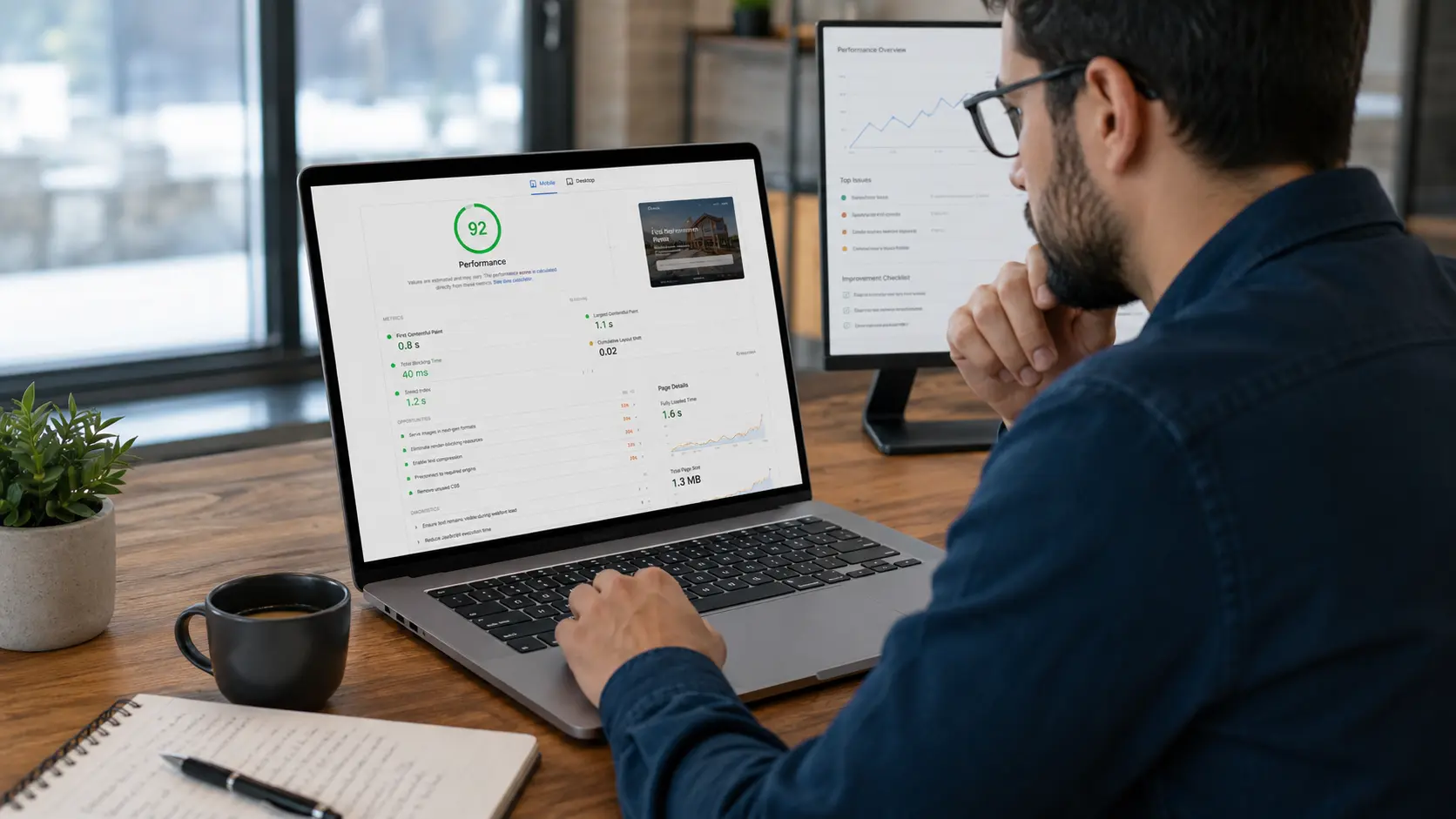
Website navigation SEO can affect how easily visitors and search engines understand the structure of a website. Clear navigation helps people find important services, move between related pages, and reach the next step without unnecessary searching.
Website Navigation SEO Starts With a Clear Site Structure
Good website navigation should make important information easy to discover. A logical site structure can also help search engines understand how major pages and sections relate to one another.
Navigation often becomes more complicated as businesses add new services, landing pages, blog content, locations, and menu items over time.
Businesses should review website navigation SEO as part of both usability and search optimization. Below are common navigation problems that can make a website harder for visitors and search engines to understand.

1. The Main Navigation Contains Too Many Options
A navigation menu should help people make decisions quickly. Menus can become overwhelming when every page, service, category, and resource receives its own top-level link.
A business offering several related services may not need each one displayed separately in the primary navigation if a clear service structure can organize them more effectively.
Too many options can make important links less noticeable and make it harder for visitors to decide where to go next.
Businesses should prioritize the pages that matter most, such as:
- Primary services
- About information
- Contact or proposal pages
- Important resources
- Key location pages
A professional website design and development process can help organize services and content into a clearer hierarchy.
2. Important Pages Are Buried Too Deep
Visitors should not need to click through several layers of menus before reaching an important service or conversion page.
A high-value service may sit under multiple nested menu levels even though it represents one of the business's main offerings.
Google's guidance on sitelinks and site structure recommends creating a logical website structure and linking important pages from other relevant pages.
Website navigation SEO should make important pages easy to reach through both menus and contextual internal links.
3. Navigation Labels Are Too Vague
Menu labels should clearly describe what visitors will find after clicking them.
Generic labels such as “Solutions,” “Explore,” or “More” can become unclear when visitors cannot predict where the link will take them.
Clearer navigation labels may include:
- Website Design
- Local SEO
- Website Hosting
- Email Marketing
- Backlink Building
- Contact
W3C's navigation guidance emphasizes clear and descriptive navigation so users can understand where links and controls lead.
Descriptive wording can make navigation easier to scan and reduce uncertainty for visitors.
4. Dropdown Menus Are Difficult to Use
Dropdown and fly-out menus can help organize larger websites, but poor implementation can make them frustrating.
Common problems include:
- Menus closing too quickly
- Submenus that are difficult to reach
- Hover-only navigation
- Small clickable areas
- Menus that overlap other content
- Submenus that do not work with a keyboard
W3C's fly-out menu guidance notes that these menus can be difficult for some users and recommends providing other ways to reach submenu content.
Navigation menu optimization should account for mouse, keyboard, touch, and mobile interaction rather than relying on only one method.
5. Website Navigation SEO Should Work Across Mobile and Desktop
A menu that works well on a desktop screen may become difficult to use on a phone.
Mobile navigation may hide important services, change menu wording, rearrange destinations, or require too many taps before a visitor reaches an important page.
W3C's menu structure guidance recommends keeping navigation structure and wording consistent where possible across different layouts.
Users should also be able to tap menu items without accidentally selecting nearby controls.
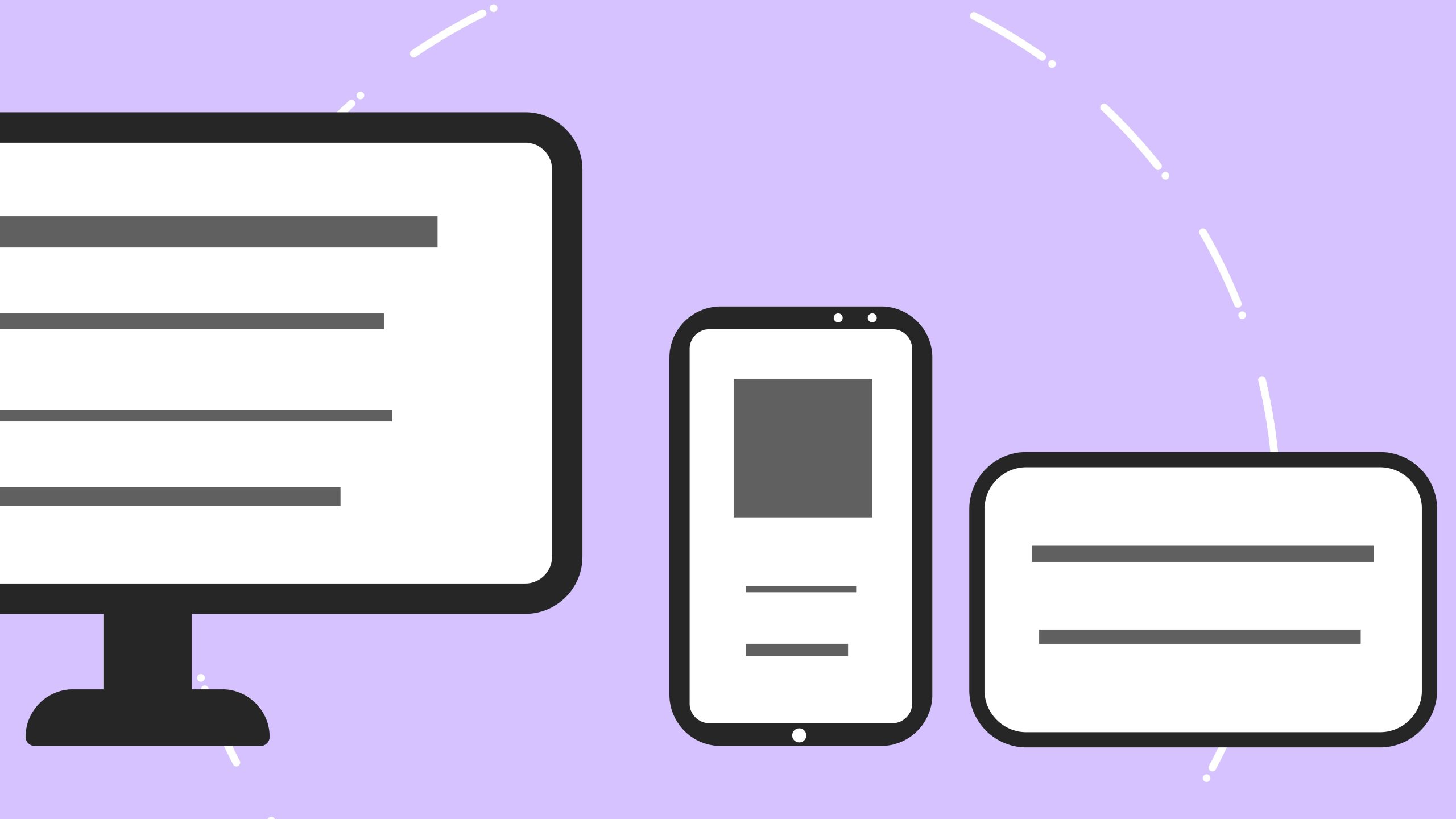
A responsive website should adapt navigation and other interactive elements to different screen sizes without making important information harder to reach.
Website navigation SEO should provide a clear and consistent experience across desktop computers, tablets, and smartphones.
6. Navigation Changes From Page to Page
Consistency helps visitors understand where to look for information.
Problems occur when the main navigation appears in different locations, uses different labels, or changes structure between sections of the website.
W3C's menu styling guidance recommends consistent appearance and behavior so users can recognize navigation more easily.
Keeping familiar navigation patterns across the website can make browsing more predictable and reduce unnecessary confusion.
7. Users Cannot Tell Which Page They Are On
Navigation should help visitors understand their current position within the website.
The active menu item can be visually distinguished to show which section or page is currently open.
W3C's
navigation structure guidance
includes methods for identifying the current page through styling
and appropriate markup such as
aria-current="page".
This type of orientation can be especially helpful on larger websites with several categories, services, or content sections.
8. Important Pages Are Missing From Navigation Entirely
Some pages are intentionally excluded from the main menu. Important service or conversion pages should still have a clear path from other parts of the website.
A business may create a new service page but forget to add it to the Services menu, related blog posts, or other relevant pages.
The page may technically exist while remaining difficult for visitors to discover.
Website navigation SEO should make important pages discoverable through navigation menus, relevant service pages, and contextual internal links.
Improving internal linking SEO can help connect important pages with relevant content throughout the website.
9. The Menu Uses Too Many Nested Levels
Deep navigation structures can make websites harder to understand.
A visitor may open one menu, then another submenu, followed by a third level before reaching the desired page.
Complex websites may need some hierarchy, but excessive nesting can create unnecessary friction.
A Clear Navigation Structure Should Help Users:
- Understand major website sections
- Locate important services quickly
- Recognize related pages
- Return to higher-level pages easily
- Reach contact or conversion pages without confusion
Website structure optimization should balance organization with simplicity so users can find important information without working through unnecessary menu levels.
10. Navigation Links Point to Broken or Outdated Pages
Website navigation can become outdated after redesigns, service changes, migrations, or page removals.
Menu links may point to:
- 404 pages
- Old service URLs
- Redirected pages
- Outdated promotions
- Discontinued services
Broken navigation links create immediate dead ends for visitors and should be corrected promptly.
Broken menu links can also weaken website navigation SEO by disrupting the path between important pages and creating unnecessary dead ends for visitors and site crawlers.
Ongoing website hosting and management can help businesses maintain pages, redirects, links, and other technical website components.
11. The Website Relies Only on the Main Menu
A main navigation menu is useful, but visitors may need other ways to find information.
W3C's navigation guidance describes several ways users may move through a website, including menus, search, headings, and site maps.
Depending on the website, additional navigation options may include:
- Internal search
- Breadcrumbs
- Related content links
- Footer navigation
- Category pages
- Service overview pages
Giving visitors more than one logical way to reach useful content can make larger websites easier to explore.
12. Breadcrumbs Are Missing From Complex Site Structures
Breadcrumbs can help visitors understand how a page fits within a larger website hierarchy.
They are especially useful on websites with several service categories, blog sections, or deeper content structures.
Google announced changes to breadcrumb display in mobile search results in 2025, while breadcrumb markup can still remain useful for understanding page hierarchy and for desktop search displays.
Breadcrumbs can also help visitors move back through higher-level sections without reopening the main menu.
13. Navigation Is Not Accessible by Keyboard
Website navigation should not depend entirely on a mouse.
Keyboard users should be able to move through navigation items, open relevant controls, and understand where focus is located.
W3C's menu accessibility guidance includes keyboard access as an important consideration for usable navigation.
Businesses should test navigation using a keyboard as well as a mouse and touchscreen to make sure important pages remain accessible.
14. Important Calls to Action Are Difficult to Find
Navigation is part of the customer journey, not just website organization.
Visitors who are ready to contact the business should be able to locate a clear next step without searching through several pages.
Depending on the business, important navigation actions may include:
- Contact Us
- Request a Proposal
- Schedule a Consultation
- Request an Assessment
- Call the Business
For businesses focused on lead generation, professional website navigation optimization can help ensure that important service and contact pages remain easy to find throughout the customer journey.
Clear calls to action can improve usability while supporting website conversion goals.
15. Navigation No Longer Matches Current Services
Businesses change over time, but website menus do not always change with them.
A company may add services, remove older offerings, change terminology, or shift its business priorities while the navigation remains unchanged.
Visitors may then see outdated services or miss newer ones entirely.
Regular SEO content optimization should include reviewing navigation labels and destinations when important website content changes.
Website Navigation SEO Should Support Both Users and Search Engines
Website navigation SEO works best when site structure is designed around real users first.
Search engines can benefit from logical structure and internal linking, while visitors benefit from clear labels, predictable menus, accessible interaction, and obvious pathways to important content.
Navigation improvements should focus on clarity rather than adding keywords or menu links simply for SEO.
When Professional Website Navigation SEO Help Makes Sense
Minor menu changes may be simple. Larger websites can become more difficult to reorganize once they contain many services, blog categories, locations, landing pages, and conversion paths.
Professional website navigation optimization and website usability services may be useful when:
- Visitors struggle to find important services
- The menu contains too many items
- Mobile navigation is difficult to use
- Important pages are buried several levels deep
- Navigation contains broken or outdated links
- The website has grown without a clear structure
- A redesign or SEO audit identifies usability problems
In these situations, professional website design and development can help improve navigation, page hierarchy, internal linking, responsive usability, and broader SEO structure together.
Improve Website Navigation SEO Before Visitors Get Lost
Website navigation affects nearly every part of the customer experience. Confusing menus, buried pages, inconsistent labels, mobile usability problems, and broken links can all make useful content harder to reach.
Regular website navigation SEO reviews should examine menu structure, page hierarchy, internal links, mobile usability, accessibility, and important customer pathways.
Most importantly, strong website navigation SEO should create a logical path between the visitor's question, the information they need, and the next action they want to take.
Is Your Website Difficult to Navigate?
If visitors struggle to find services, important pages are buried, or your navigation no longer reflects your current business, professional website navigation optimization can help create a clearer user experience and stronger site structure.
Zen Web Services can review your website navigation, page structure, internal links, responsive design, and SEO opportunities to identify areas that may need improvement.
Request a Free Website Assessment